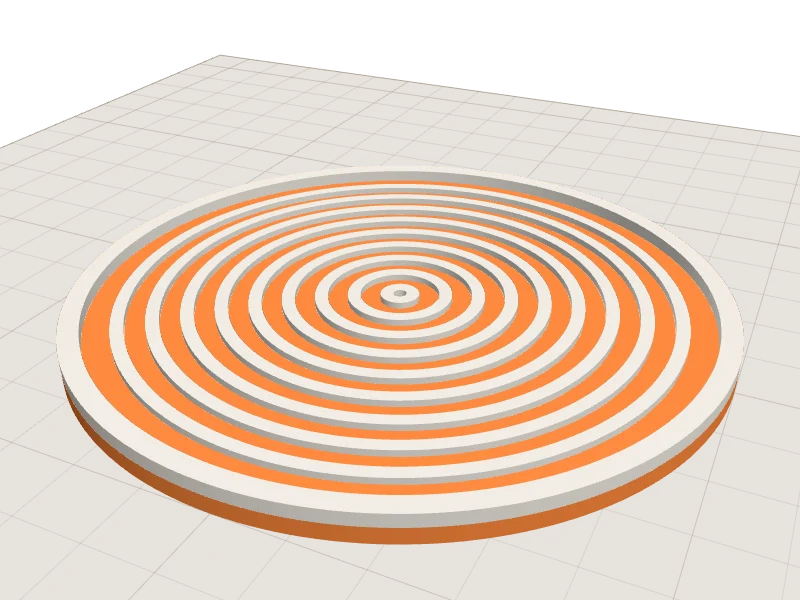
How multicolour printing works
A multicolour printer has several slots for filament (for example AMS, CFS or ACE). It changes the filament by itself as often as needed.
- With several slots: The colour can change in every layer, even side by side, for example flush dots in a plate.
- With one slot: You change the filament by hand at one height. That's enough for anything where the second colour sits on top, like the letters on a sign.
- Purging: At every change the printer pushes some filament through until the new colour comes out clean. Fewer changes save filament and time.
Colours in our generators
16 generators have a “Colours” section, for example sign and keychain, QR code, coaster, image to 3D relief, the party fountain, the animal desk helpers and the fidgets.
- Set up your model the way you want it.
- In the “Colours” section, pick a filament colour for each part. The 3D view shows it right away.
- Download the 3MF. An STL file has no colours.
- Open the 3MF in your printer's software: Colour 1 goes into slot 1, Colour 2 into slot 2. If the software doesn't take over the colours, assign them to the parts there.
Colour by height: works without a multicolour printer
If the second colour sits on top, the colour changes only once, at one height. Any printer can do that. For sign and keychain, the QR code with “Raised”, the coaster, the 3D relief and the party fountain with two colours, the “Download” section tells you at which height to change the filament.
- Download the STL or 3MF and open it in your slicer.
- Add a colour change at that height (in many slicers called “pause” or “filament change” in the layer view).
- The printer stops there. Swap the filament, push some through until the new colour comes out, and let it carry on.
Good to know
- Same material: Print all colours in the same material, for example all PLA. PLA and PETG stick poorly to each other.
- Contrast: A QR code scans best with dark dots on a light plate. Letters are easy to read when they stand out clearly from the plate.
- “Flush” only with several slots: Flush dots sit inside the plate, so the colour changes in every layer.
- One-piece fidgets: Here the colour changes in almost every layer. That needs a printer with several slots and takes longer. More about these parts in Print-in-place.
- Parts that plug together: For the spinning top or the folding clothes hanger you simply print each part on its own in its colour, no multicolour printer needed.
Ideas
A door sign with a name in two colours, a QR code for your Wi-Fi to stand on a shelf, coasters with a pattern or a relief of your photo. More ideas in Gift ideas.
Tools for this